Affiliate notice: As an Amazon Associate I earn from qualifying purchases.
Beginner streaming shortlist
Best Gaming Products for Beginner Streaming
A first stream needs understandable speech, controlled face lighting and a stable game more than an elaborate background. This shortlist prioritises the recording chain and a tidy desk while leaving capture hardware to an exact compatibility check.
Bottom line
How to approach this setup
Test the room and software with existing equipment first. Move the microphone closer before spending more, use one soft face light and add a second display only when the workflow demonstrates the need. Decorative lighting and control pads can wait.
The shortlist
Products matched to the use case
SetupSelect has researched these products but has not hands-on tested them. Confirm the exact model, seller, current specification and suitability before buying.
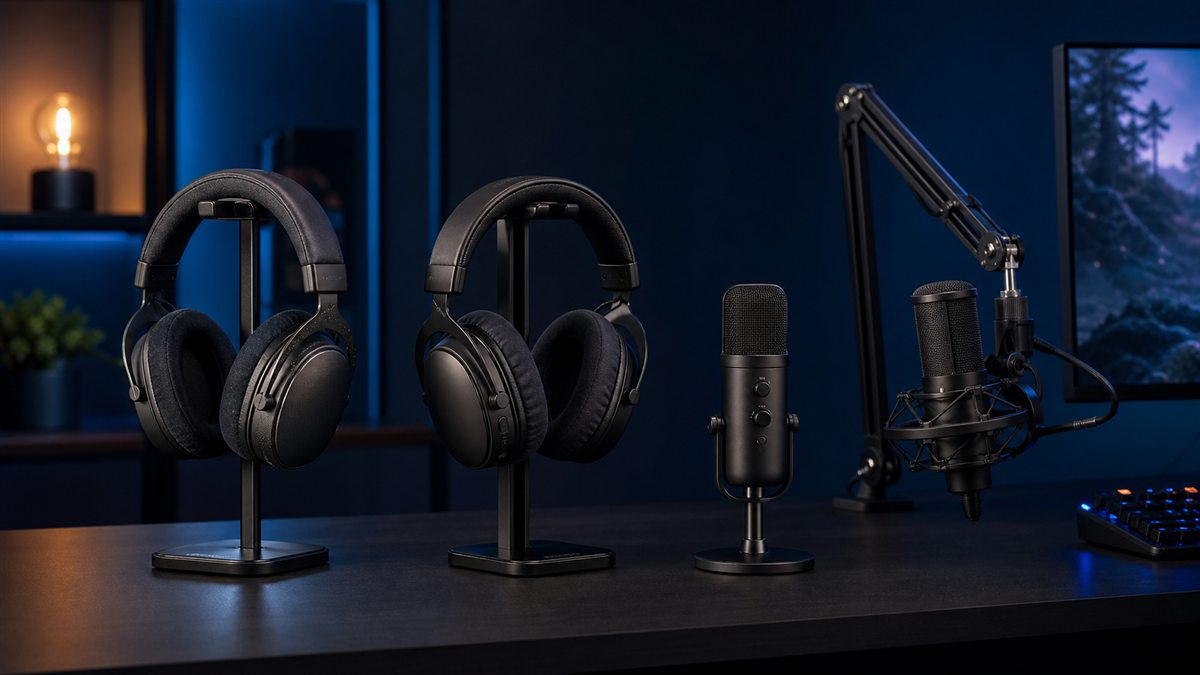
Streaming microphone pick
The USB format and software-routing focus offer a structured beginner-to-intermediate voice workflow when the room and placement are suitable.
Paid link. As an Amazon Associate I earn from qualifying purchases. Details
Solve voice before decoration
Place the microphone close enough to reduce gain, record normal typing and game audio, and listen for echo or distortion. A boom arm is useful only when it improves that placement safely.
Use one controlled face light
Position a soft source slightly above eye level and near the camera. Keep bright reflections out of glasses and the monitor, then lock exposure where software permits.
Keep the computer workload realistic
Streaming, recording and gaming compete for resources. Test the exact encoder, game settings and target platform before adding capture devices or higher display demands.
Check before buying
Record a private test before streaming publicly.
Check microphone distance and keyboard noise.
Confirm monitor output and capture-route compatibility.
Keep personal notifications and documents out of frame.
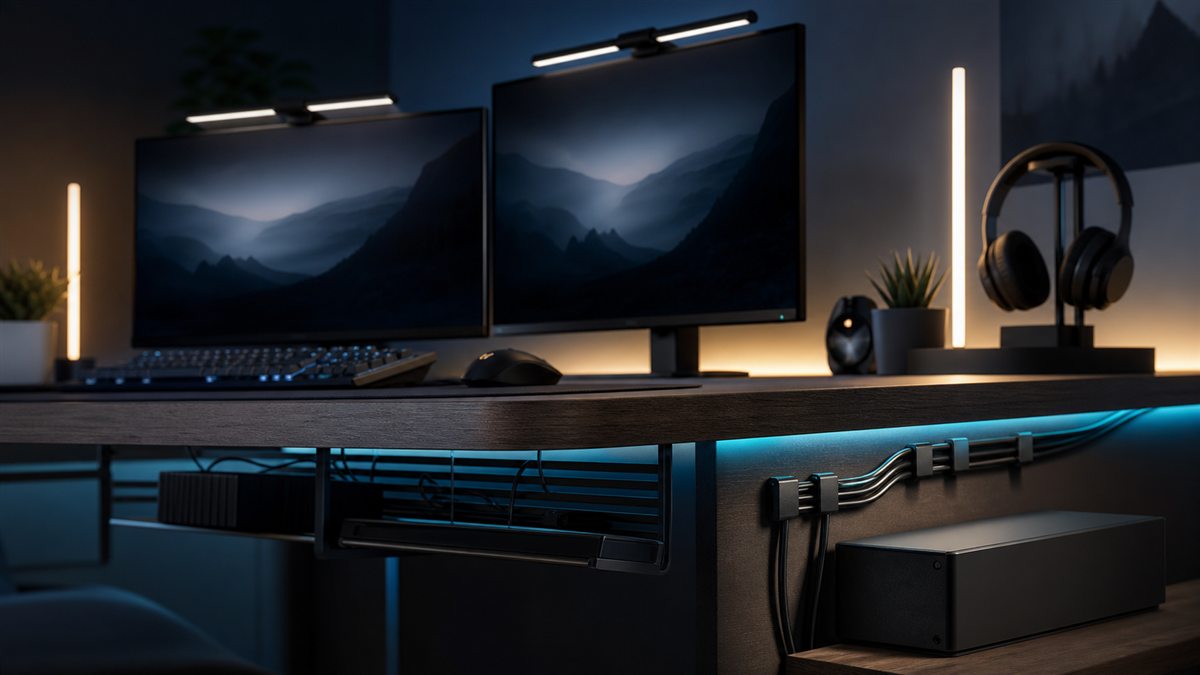
Route light and microphone cables away from moving controls.
Verify the exact current model and seller before buying.
Make it yours
Turn this shortlist into an editable plan
Open these picks in the setup plan builder, change the priority or price band, remove sections and share the resulting URL.
Test with the current headset or microphone, camera and room light. If speech is unclear, improve microphone placement or audio first; if the face is dark or inconsistent, add one controlled light.
Do I need two monitors to start streaming?
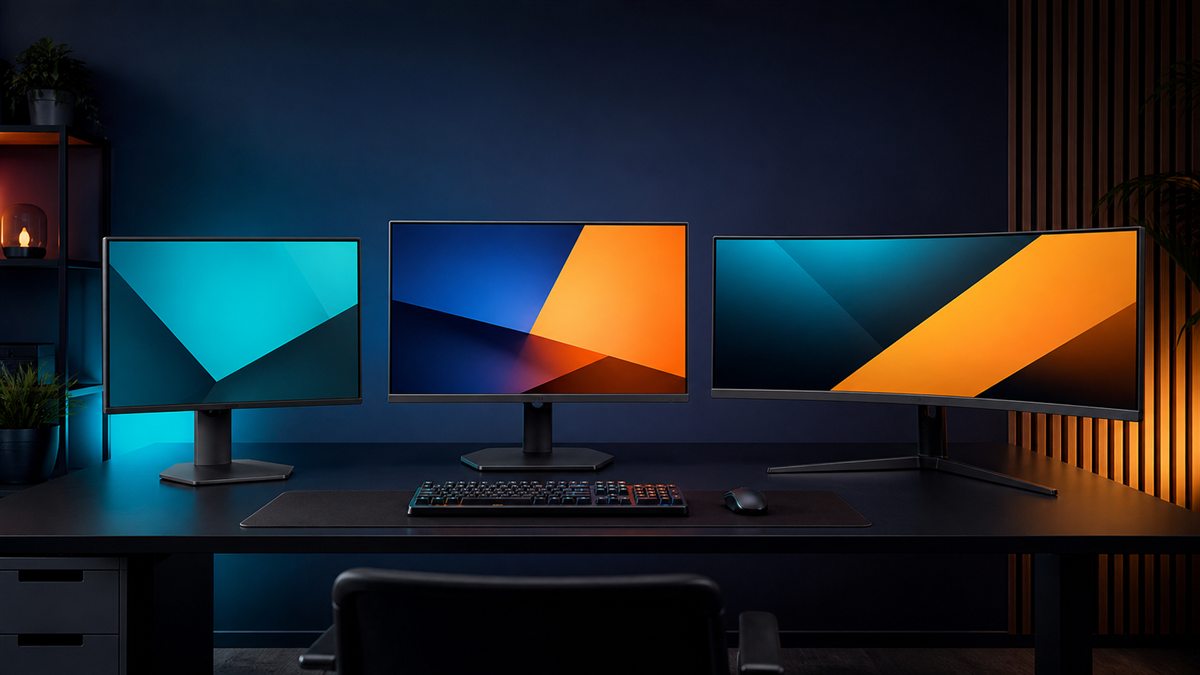
No. A phone, tablet or carefully managed single-screen workflow can handle chat and controls. Add a second display only when it solves a demonstrated workflow problem.