Skip to content
SetupSelect
Affiliate notice: As an Amazon Associate I earn from qualifying purchases.

Find a setup that suits you

Build a gaming setup around how and where you play

Choose a screen, furniture, controls and audio for your PC or console, then work out where the cables will go.

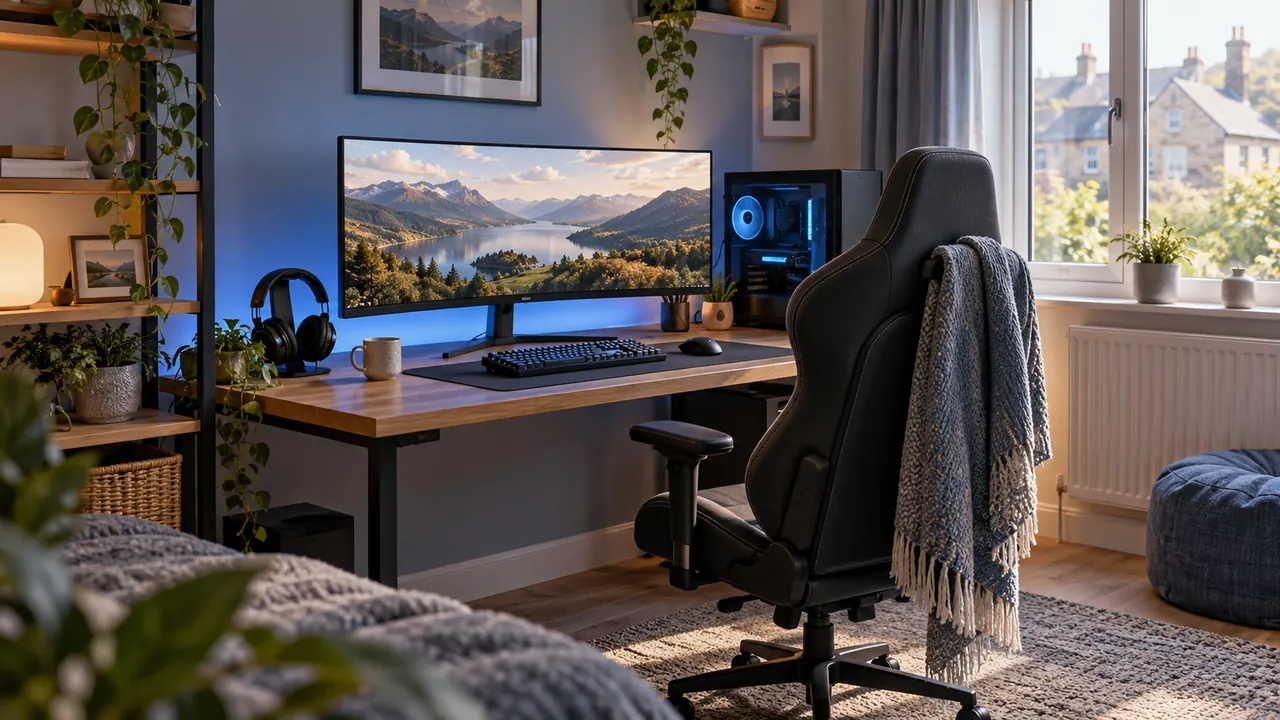
A tidy gaming desk with a monitor, keyboard and headset in a softly lit room

Buying guide

Gaming setup planning guide and product builder

Start with the PC or console you use and the games you play. Choose a screen it can drive, controls you have room to use and a chair that fits. Then decide how you’ll hear the game and where the cables can go.

Choose the gaming platform first, then define the main type of play. Competitive PC gaming may justify a compact high-refresh monitor and generous mouse space; immersive games may benefit more from image quality, audio and a wider display; console or family rooms usually need compatible controllers, private audio and storage that resets quickly.

Measure desk width and depth, viewing distance, chair movement and cable routes before buying. Confirm monitor inputs, supported resolution and refresh combinations, controller platform support, keyboard layout and headset connection against the exact computer or console. Similar product names often hide meaningful regional or hardware differences.

Tell the builder where you play, what you play on and what you want to spend. It suggests researched options for your screen, furniture and accessories. Use the estimated prices to plan, then check the retailer’s price.
Browse product types

Browse all Gaming Setup products

Ideas to start with

Popular setups

Beginner Gaming and Streaming Setup

Start streaming with clear speech, light on your face and the screen and controls where you need them.

Try a short recording with the kit you own. Listen to your voice, check the framing and see how the light looks. Spend on the part that makes the biggest difference.

Gaming monitors: Gigabyte M27Q X Gaming MonitorGaming desks: IKEA UTESPELARE Gaming DeskGaming keyboards and mice: HyperX Alloy Origins Core Gaming KeyboardGaming keyboards and mice: HyperX Pulsefire Haste 2 Gaming Mouse

+3 more products

Competitive PC Gaming Setup

A performance-led PC setup that puts monitor response, mouse room, team audio and seating before decorative extras.

Check which refresh rate your computer, cable and monitor connection can actually use. Set up your game and network, then make sure you have enough room to move the mouse.

Gaming monitors: Alienware AW2725DF QD-OLED Gaming MonitorGaming keyboards and mice: Logitech G PRO X TKL LIGHTSPEED Gaming KeyboardGaming keyboards and mice: Logitech G PRO X SUPERLIGHT 2 Gaming MouseControllers and console accessories: Razer Wolverine V3 Tournament Edition Controller

+1 more products

Shared Living Room Console Setup

A console-friendly plan with easy charging, private audio and accessories that can be tidied away.

Start with the shared screen and seating already in the room. Add the correct platform controller, a private headset and one charging or cable-control route, then store everything so the room returns to normal quickly.

Gaming monitors: LG UltraGear 27GS60F Gaming MonitorGaming chairs: Corsair TC100 RELAXED Gaming ChairGaming audio and microphones: SteelSeries Arctis Nova 5 Wireless HeadsetControllers and console accessories: Xbox Wireless Controller

+1 more products

Small Bedroom PC Gaming Setup

A compact PC desk plan that prioritises screen fit, mouse room, private audio and tidy cable routes.

Measure the wall, desk depth and chair movement first. Keep the computer ventilation path clear, use private audio where the room is shared and treat ambient lighting as an optional final layer.

Gaming monitors: AOC 24G4XE Gaming MonitorGaming chairs: IKEA MATCHSPEL Gaming ChairGaming keyboards and mice: SteelSeries Apex 3 TKL Gaming KeyboardGaming keyboards and mice: SteelSeries Rival 3 Wireless Gaming Mouse

+3 more products

Common questions

Before you build

Does the Gaming Setup builder recommend a gaming PC or console?

No. It focuses on furniture and peripherals because computer components, console bundles and regional configurations change quickly. Choose the source device first and verify every connection against it.

How are gaming products ranked?

The quiz converts your goal, platform, budget, room and priorities into tags. Products are scored within each section, while the main goal and platform also change the order in which sections appear.

Are refresh rates, prices and compatibility live?

No. Confirm the exact model, hardware revision, ports, supported resolution and refresh combinations, current price, seller and returns before buying.