Guide collection
Gaming Setup buying guides
Find gaming gear for the games you play, the space you have and what you want to spend.
 Gaming Setup
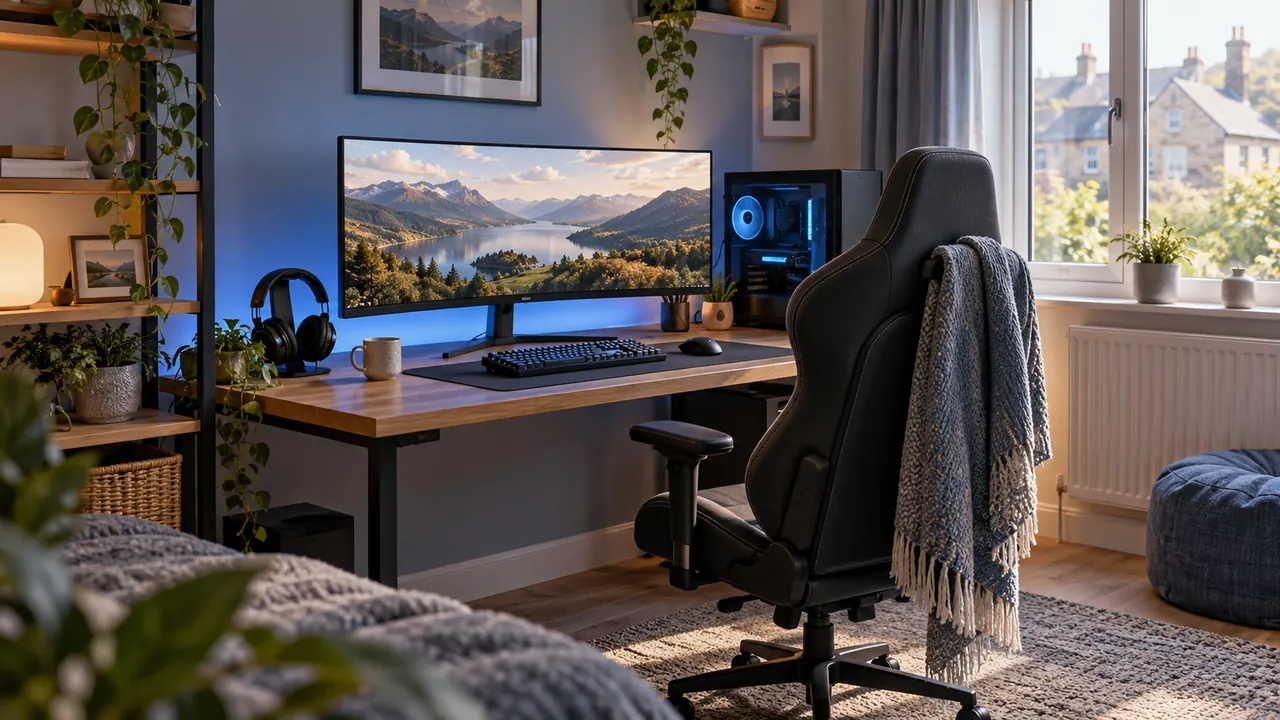
Small-bedroom gaming setup: measured layouts for work and play
Fit a gaming desk into a bedroom while preserving the bed, door and chair routes, with worked layouts, budget allocations and display checks.
Gaming SetupGaming desk setup under £250: three clearly scoped budgets
Build a £250 furniture, display or peripheral plan with explicit exclusions, complete-cost checks and useful buying priorities.
Gaming SetupShared living-room console setup: connections and quick changeover
Plan console ventilation, display compatibility, seating, audio and controller storage around ordinary shared-room use.
Gaming SetupStarter gaming stream: PC and console signal paths explained
Build a first stream with separate PC and console capture workflows, deliberate audio routing and a repeatable recording test.
Gaming SetupGaming headset, keyboard and mouse: compatibility and fit
Choose starter peripherals by platform connections, microphone behaviour, keyboard footprint, mouse space and realistic comfort checks.
Gaming SetupGaming lighting and cables: glare, controls and reliable routes
Control display reflections and room lighting, install supported LED systems and keep gaming signal, audio and power routes accessible.
 Gaming Setup
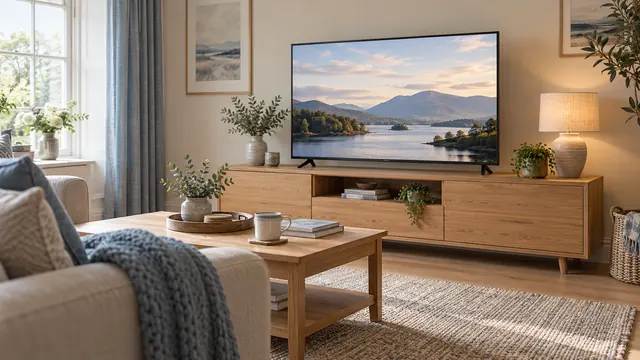
55 vs 65 vs 75-inch TVs: what fits your room?
Compare the width, picture area and viewing distance of 55, 65 and 75-inch TVs, with room examples and a free TV size calculator.
Gaming SetupWhat size TV stand do you need? Measure before you buy
Check TV width, feet spacing, stand depth and cabinet load limits. Use the cabinet-fit calculator before choosing furniture for your TV.
Gaming SetupPS5 or Xbox not showing 120Hz? Check your setup
Work through the game, console settings, HDMI cable and screen input when 120Hz is missing on PS5 or Xbox. Includes a simple connection checklist.
Ready to build your shortlist?
Answer a few questions and compare products that suit your needs.