Skip to content
SetupSelect

Gaming Setup buying guide

How to choose gaming desks

Make room for your screen, keyboard and mouse first. Then find a place for the tower, audio and cables that keeps ventilation clear and leaves you free to move.
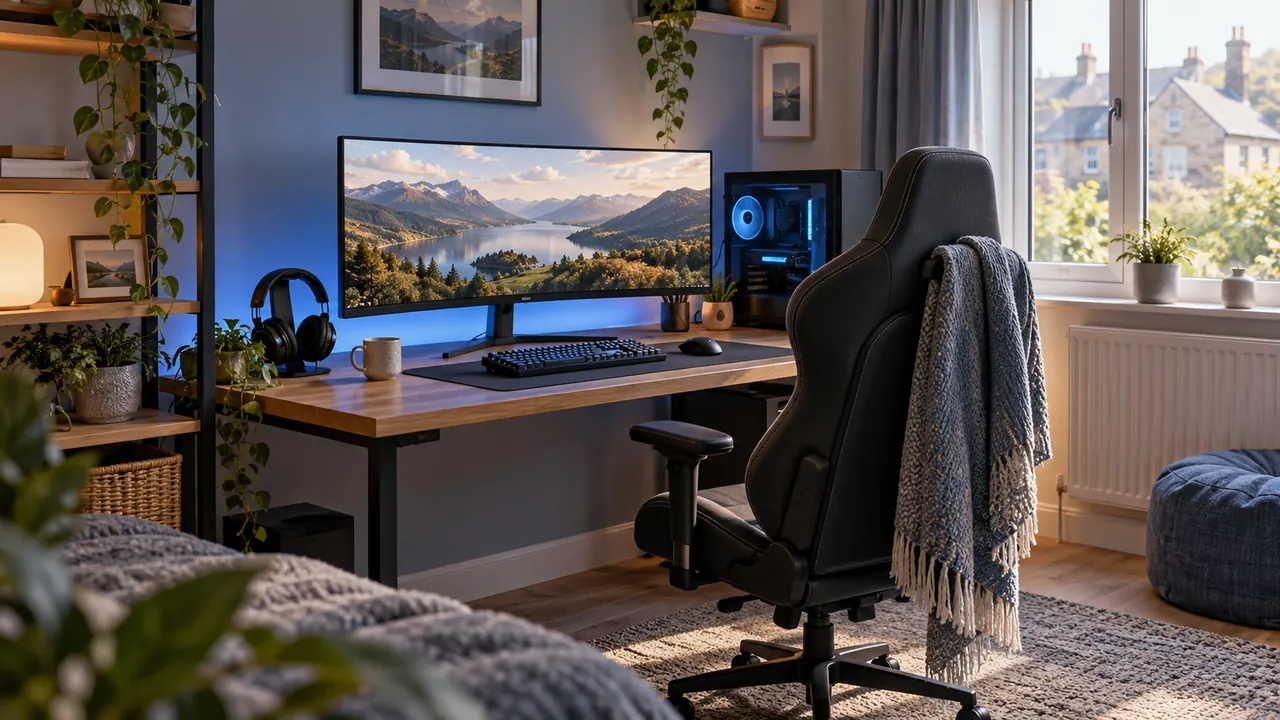
A tidy gaming desk with a monitor, keyboard and headset in a softly lit room

Fit before features

Three checks to do first

  1. 1Measure monitor stand depth, keyboard width, required mouse travel and tower footprint.
  2. 2Tape out desk and chair movement around doors, beds and storage.
  3. 3Inspect underside rails and rear edges for arms, trays, power and knee clearance.

What to compare

What should drive the decision?

Depth before width

A wide shallow desk can still place the display too close and leave no wrist or keyboard depth.

Input and tower zones

Reserve uninterrupted mouse travel and keep the tower ventilated rather than using every shelf supplied.

Stability and accessories

A stable frame matters more than cup holders or hooks. Add accessories only when they fit the actual equipment.

What you gain and give up

Compact desks preserve bedroom space but tighten viewing and input zones. Larger desks improve separation while making chair circulation and cable reach harder.

Warning signs in a listing

  • Desktop depth excludes a raised monitor shelf or curved front edge.
  • A tower shelf blocks intake, exhaust or access to filters.
  • Carbon-fibre styling and accessories substitute for frame specifications.

A sensible buying order

  1. 1Map screen and input depth.
  2. 2Reserve mouse and tower zones.
  3. 3Check frame, chair and clamp clearance.
  4. 4Route cables and add accessories last.

Use the framework with your setup

Note your measurements and must-have features before comparing models. These tools can help you narrow the choices.

Common questions

Before you compare products

What should I check first when buying gaming desk?

Measure monitor stand depth, keyboard width, required mouse travel and tower footprint.

Is it worth paying more for gaming desk?

Pay more when it improves something you will use regularly. Compact desks preserve bedroom space but tighten viewing and input zones. Larger desks improve separation while making chair circulation and cable reach harder.

Current catalogue

Compare gaming desks

Use the checks above to choose the details that matter to you. Follow the retailer links to confirm the model, current price, delivery and returns.
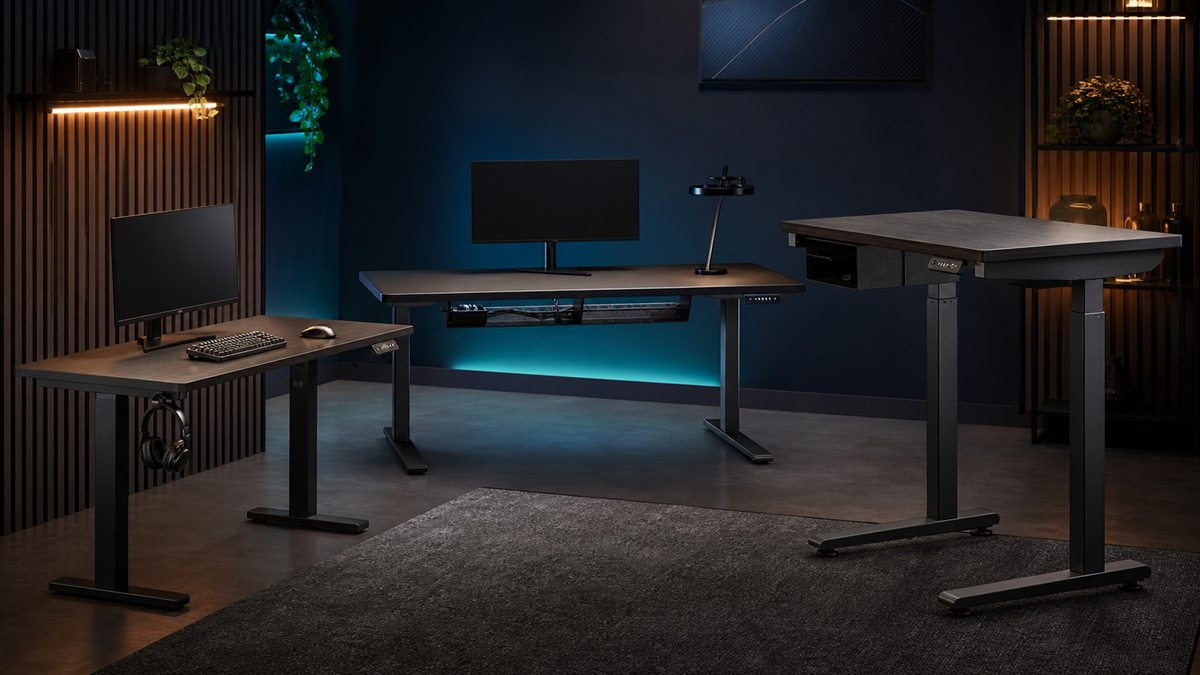
Styled gaming desks selection
Editorial catalogue score, not personalised Fit: 90
Arozzi Arena Gaming Desk

Arozzi / premium

Specifications checked · not tested by us

Check the model, price and delivery details at the shop.

gaming setuppremiumpc

Key features

  • • Wide curved work surface supports expansive layouts
  • • Cable-management approach is designed around peripherals

Trade-off: Requires a large room

View on Amazon

Paid link. As an Amazon Associate I earn from qualifying purchases. Details

Compare products
Styled gaming desks selection
Editorial catalogue score, not personalised Fit: 86
IKEA UTESPELARE Gaming Desk

IKEA / mid range

Specifications checked · not tested by us

Check the model, price and delivery details at the shop.

gaming setupmid rangepc

Key features

  • • Generous working depth and cable-management section
  • • Neutral design fits work-and-play rooms

Trade-off: Large footprint compared with compact desks

View on Amazon

Paid link. As an Amazon Associate I earn from qualifying purchases. Details

Compare products
Styled gaming desks selection
Editorial catalogue score, not personalised Fit: 79
VASAGLE L-Shaped Corner Desk

VASAGLE / budget

Specifications checked · not tested by us

Check the model, price and delivery details at the shop.

gaming setupbudgetsmall space

Key features

  • • Corner format separates gaming and general tasks
  • • Open frame can keep the room feeling lighter

Trade-off: Requires careful left/right orientation checks

View on Amazon

Paid link. As an Amazon Associate I earn from qualifying purchases. Details

Compare products