Free Gaming Setup tool
Gaming monitor planner
Choose your viewing distance and the games you play to find screen sizes and features to compare. Check your computer or console’s supported picture modes as well.
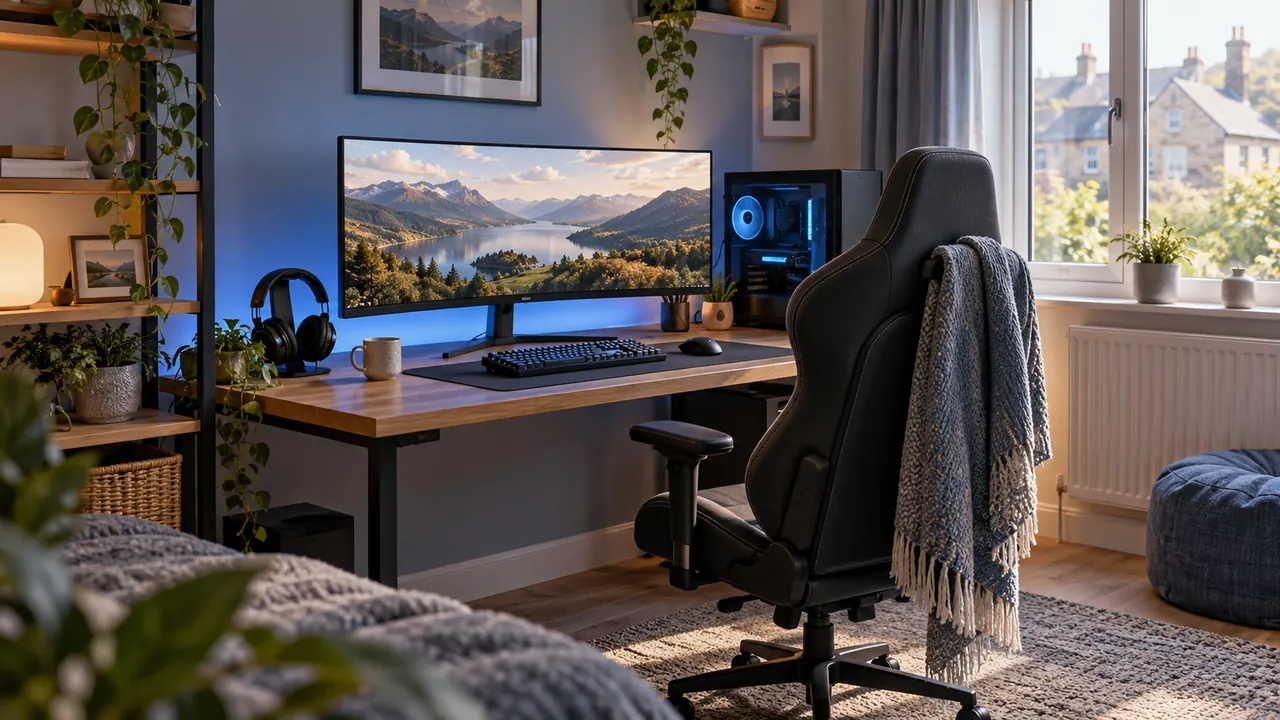
Your screen position
Check the monitor input, source output and cable for the resolution and refresh rate you want. Use the console display mode checker to see what your console supports.
If you get 60 Hz when you expected 120 Hz, work through the PS5 and Xbox 120 Hz troubleshooting guide before you replace a screen or cable. To check the stand and input space, use the gaming desk-space planner.