Layout before features
Full-size, tenkeyless and compact layouts trade direct key access against mouse space. Choose the smallest layout that keeps essential work comfortable.
Home Office buying framework
Input devices are touched for most of the working day. Start with hand position, layout and desk space, then decide whether wireless convenience, programmable controls or specialist switches solve a real task.
Fit before features
Decision framework
Full-size, tenkeyless and compact layouts trade direct key access against mouse space. Choose the smallest layout that keeps essential work comfortable.
Shape, size, weight and grip style affect control more than headline sensitivity. Left-handed and vertical options need particular fit checks.
Dedicated receivers can be more predictable than Bluetooth in busy environments; wired devices avoid batteries but add cable routes.
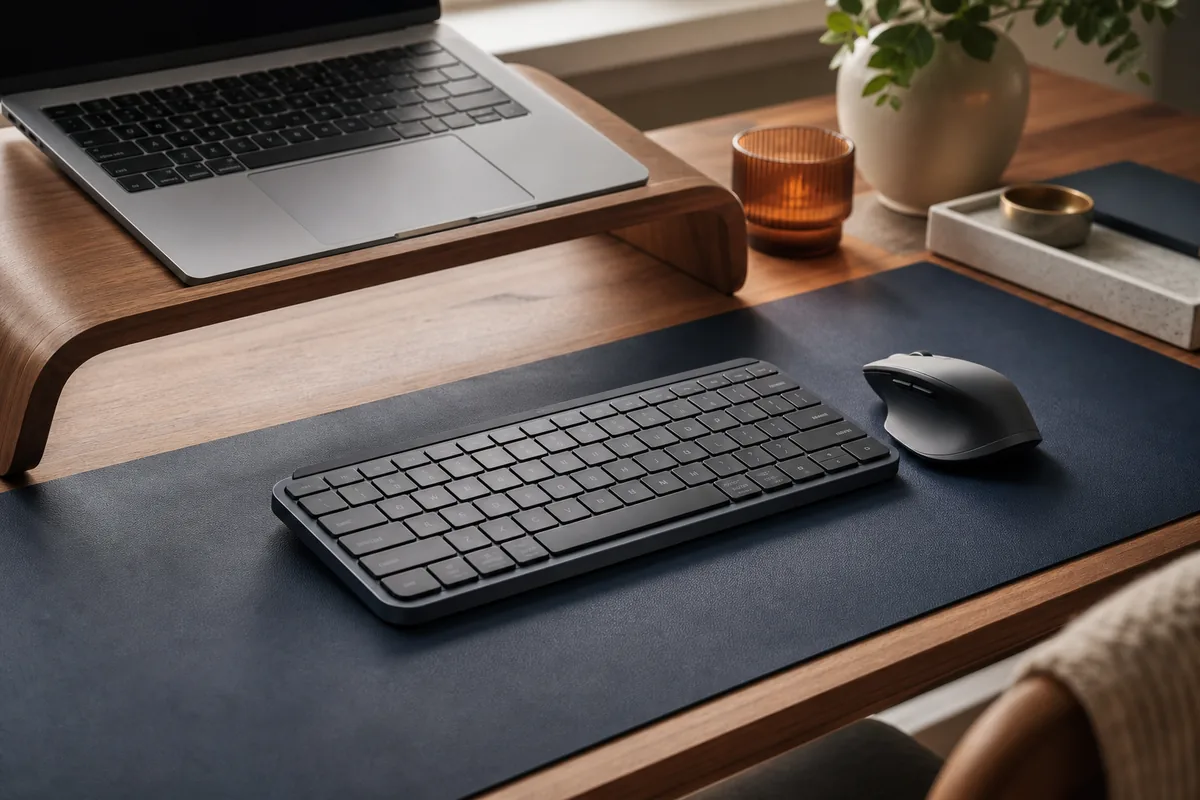
Compact layouts free mouse space but move or hide keys. Wireless devices reduce clutter but add charging, batteries and receiver management.
Record the measurements and non-negotiables above before comparing individual models. These related tools help turn the framework into a practical shortlist.
Common questions
Measure clear keyboard width and mouse travel after screens, notebooks and drinks are placed.
Only when the additional spend improves a requirement you will use regularly. Compact layouts free mouse space but move or hide keys. Wireless devices reduce clutter but add charging, batteries and receiver management.
Current catalogue
Use the framework above to decide which differences matter. Then verify the exact model, specification, seller, current price, availability, delivery and returns on Amazon.
Check the exact model, seller, availability and delivery terms on Amazon before buying.
Key features
Trade-off: It is hard to justify unless you will use the specialist features often
Paid link. As an Amazon Associate I earn from qualifying purchases. Details
Check the exact model, seller, availability and delivery terms on Amazon before buying.
Key features
Trade-off: The extra cost may not be worthwhile if you will not use its additional features
Paid link. As an Amazon Associate I earn from qualifying purchases. Details
Check the exact model, seller, availability and delivery terms on Amazon before buying.
Key features
Trade-off: The extra cost may not be worthwhile if you will not use its additional features
Paid link. As an Amazon Associate I earn from qualifying purchases. Details
Logitech G / mid range
Editorial research only · not hands-on tested
Check the exact model, seller, availability and delivery terms on Amazon before buying.
Key features
Trade-off: Check battery, receiver and operating-system requirements
Paid link. As an Amazon Associate I earn from qualifying purchases. Details
Check the exact model, seller, availability and delivery terms on Amazon before buying.
Key features
Trade-off: Its adjustment range and finish may be simpler than those of pricier options
Paid link. As an Amazon Associate I earn from qualifying purchases. Details
Check the exact model, seller, availability and delivery terms on Amazon before buying.
Key features
Trade-off: Its adjustment range and finish may be simpler than those of pricier options
Paid link. As an Amazon Associate I earn from qualifying purchases. Details