Beam and glare control
A shade, asymmetric beam or flexible arm should keep the source out of direct sight and off the screen.
Home Office buying framework
Start with the task: reading, keyboard work, ambient evening light and camera lighting need different placement and beam control. Brightness alone does not tell you whether a light will be comfortable.
Fit before features
Decision framework
A shade, asymmetric beam or flexible arm should keep the source out of direct sight and off the screen.
Dimming is usually more useful than many effects. Adjustable colour temperature can separate daytime task light from a calmer evening setting.
Confirm clamp compatibility, cable reach and whether USB power depends on the computer being awake.
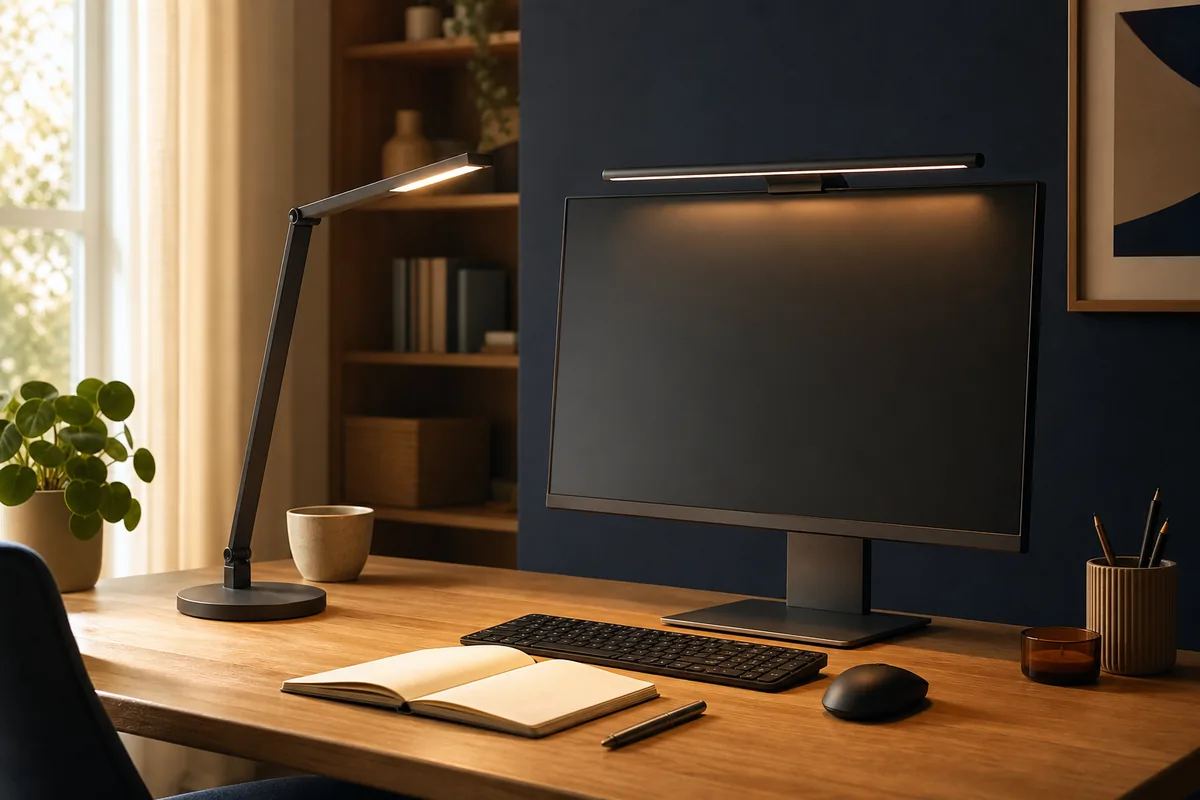
A monitor light saves surface space but depends on bezel shape and may not light paper beside the screen. A freestanding lamp is more flexible but occupies the desktop.
Record the measurements and non-negotiables above before comparing individual models. These related tools help turn the framework into a practical shortlist.
Common questions
Check reflections on a dark screen from the normal seated position by day and night.
Only when the additional spend improves a requirement you will use regularly. A monitor light saves surface space but depends on bezel shape and may not light paper beside the screen. A freestanding lamp is more flexible but occupies the desktop.
Current catalogue
Use the framework above to decide which differences matter. Then verify the exact model, specification, seller, current price, availability, delivery and returns on Amazon.
Check the exact model, seller, availability and delivery terms on Amazon before buying.
Key features
Trade-off: It is hard to justify unless you will use the specialist features often
Paid link. As an Amazon Associate I earn from qualifying purchases. Details
Check the exact model, seller, availability and delivery terms on Amazon before buying.
Key features
Trade-off: The extra cost may not be worthwhile if you will not use its additional features
Paid link. As an Amazon Associate I earn from qualifying purchases. Details