Pickup and placement
A cardioid microphone close to the speaker often suits untreated rooms better than a sensitive microphone placed far away.
Home Office buying framework
Clear speech usually comes from sensible placement before expensive hardware. Choose a microphone that can sit close to the speaker, connect to the intended device and reject rather than exaggerate the room.
Fit before features
Decision framework
A cardioid microphone close to the speaker often suits untreated rooms better than a sensitive microphone placed far away.
Accessible gain, mute and headphone monitoring can be more useful than extra patterns or software effects.
Check thread adapters, microphone weight, shock-mount size and desk clamp clearance as one system.
A desktop microphone is simple but can collect keyboard vibration and occupy space. A boom arm improves positioning while adding visual bulk and clamp requirements.
Record the measurements and non-negotiables above before comparing individual models. These related tools help turn the framework into a practical shortlist.
Common questions
Make a test recording at the desk and identify keyboard, fan, echo and household noise.
Only when the additional spend improves a requirement you will use regularly. A desktop microphone is simple but can collect keyboard vibration and occupy space. A boom arm improves positioning while adding visual bulk and clamp requirements.
Current catalogue
Use the framework above to decide which differences matter. Then verify the exact model, specification, seller, current price, availability, delivery and returns on Amazon.
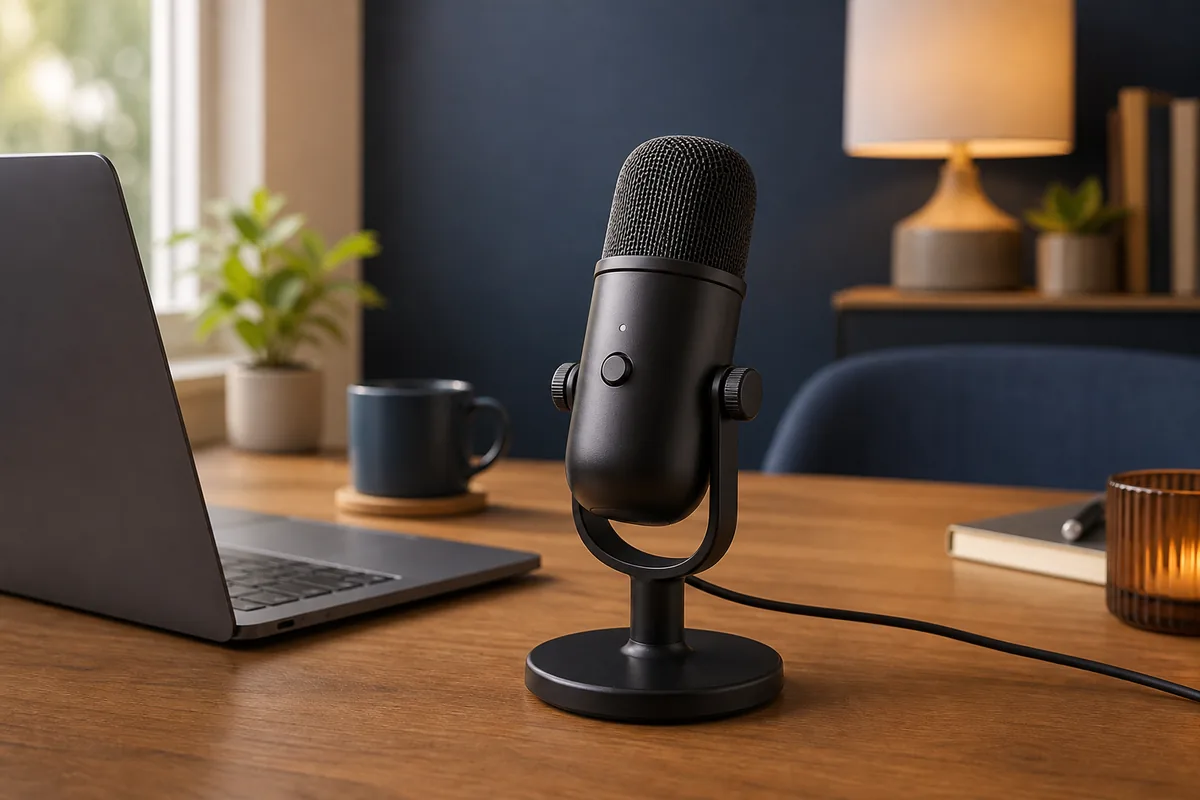
Check the exact model, seller, availability and delivery terms on Amazon before buying.
Key features
Trade-off: It is hard to justify unless you will use the specialist features often
Paid link. As an Amazon Associate I earn from qualifying purchases. Details