Skip to content
SetupSelect
Affiliate notice: As an Amazon Associate I earn from qualifying purchases.

Budget-conscious shortlist

Best Budget Home Office Products

Start with a steady desk, a chair that fits you and a screen you can see comfortably. Keep any equipment that already works and spend on the part that causes the biggest problem in a normal working day.

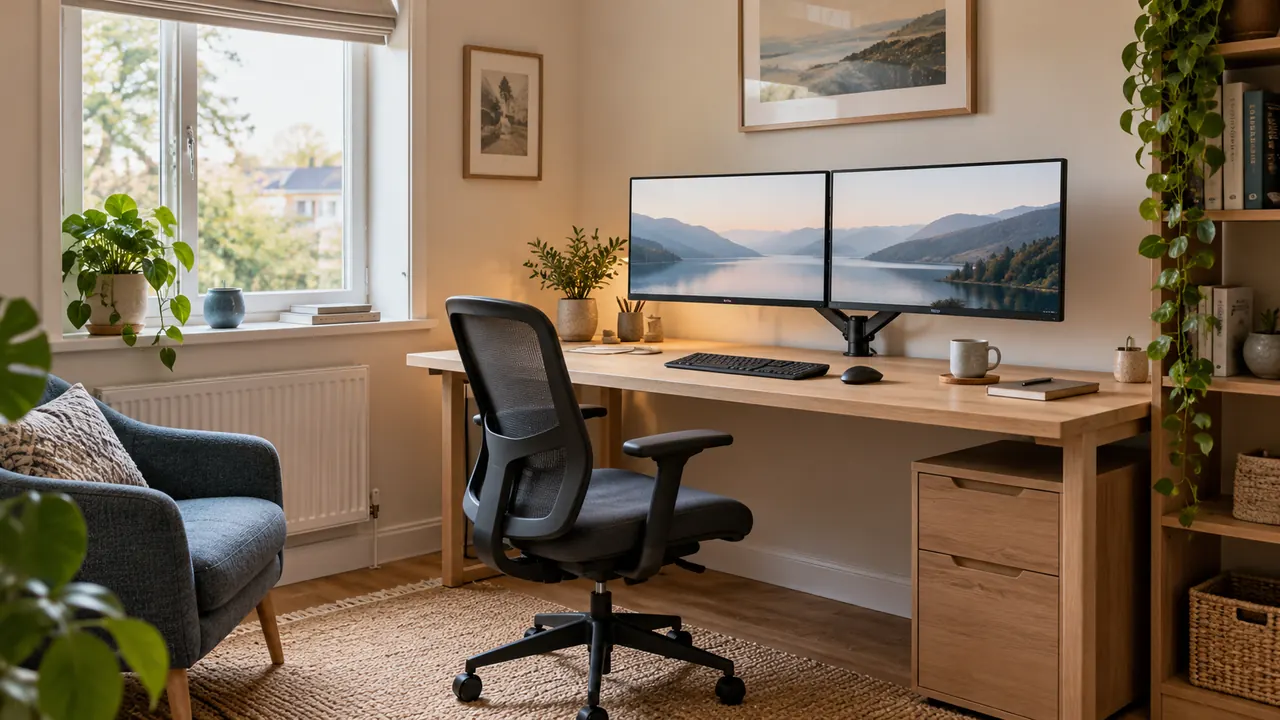
A compact home office with two monitors, an oak desk and a task chair beside a window

Our starting advice

How to approach this setup

Put the budget into fit and stability first. The prices here are planning estimates. Check the measurements, adjustment range, assembly and returns with the shop before you choose.

The shortlist

Products matched to the use case

We compare published product details. Check the exact model and the seller’s current listing before buying.

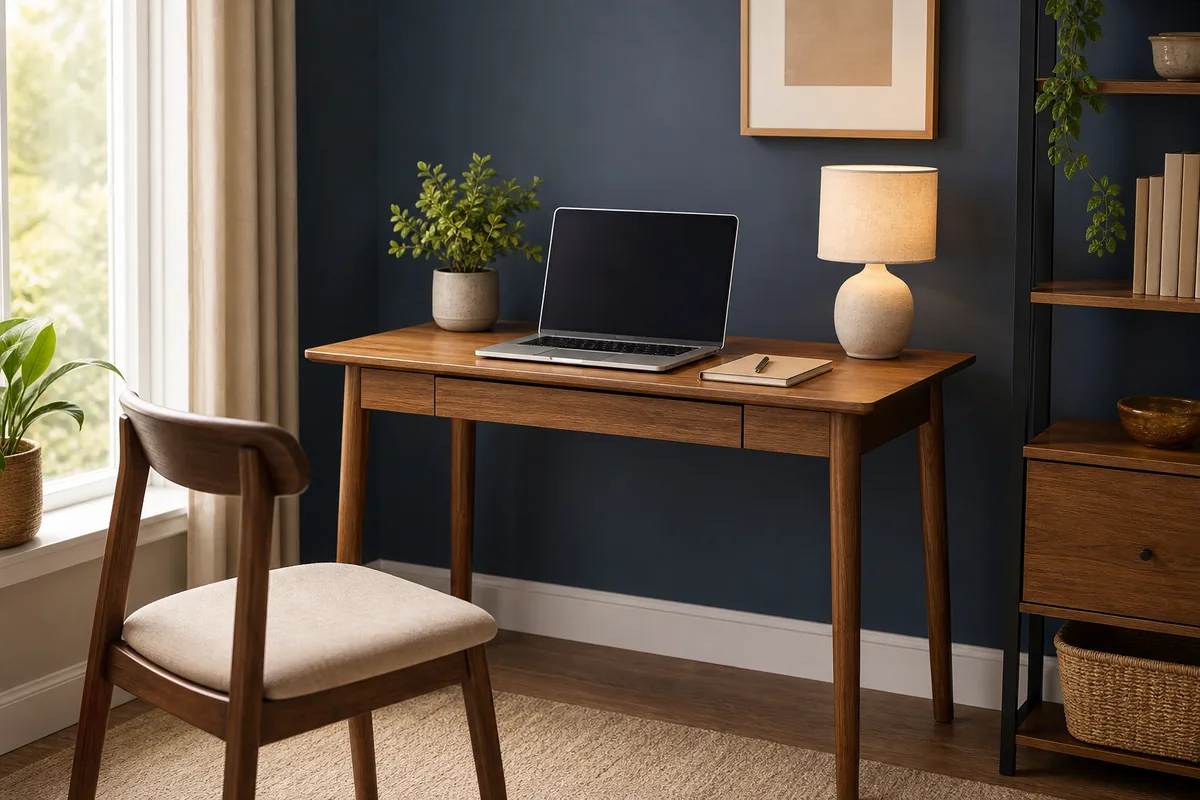
ODK 100 x 48 cm Computer Desk

A shallow 100 cm desk for a laptop or one monitor. Measure the stand and keyboard to see what room you’d have left.

Styled home office desks selection
Editorial catalogue score, not personalised Fit: 80
A good match for your answers
ODK 100 x 48 cm Computer Desk

ODK / budget

Specifications checked · not tested by us

Check the model, price and delivery details at the shop.

budgetsmall spacecompact

Key features

  • • 100 cm work surface
  • • 48 cm shallow depth
  • • Simple fixed-height format

Trade-off: Its adjustment range and finish may be simpler than those of pricier options

View on Amazon

Paid link. As an Amazon Associate I earn from qualifying purchases. Details
Compare products

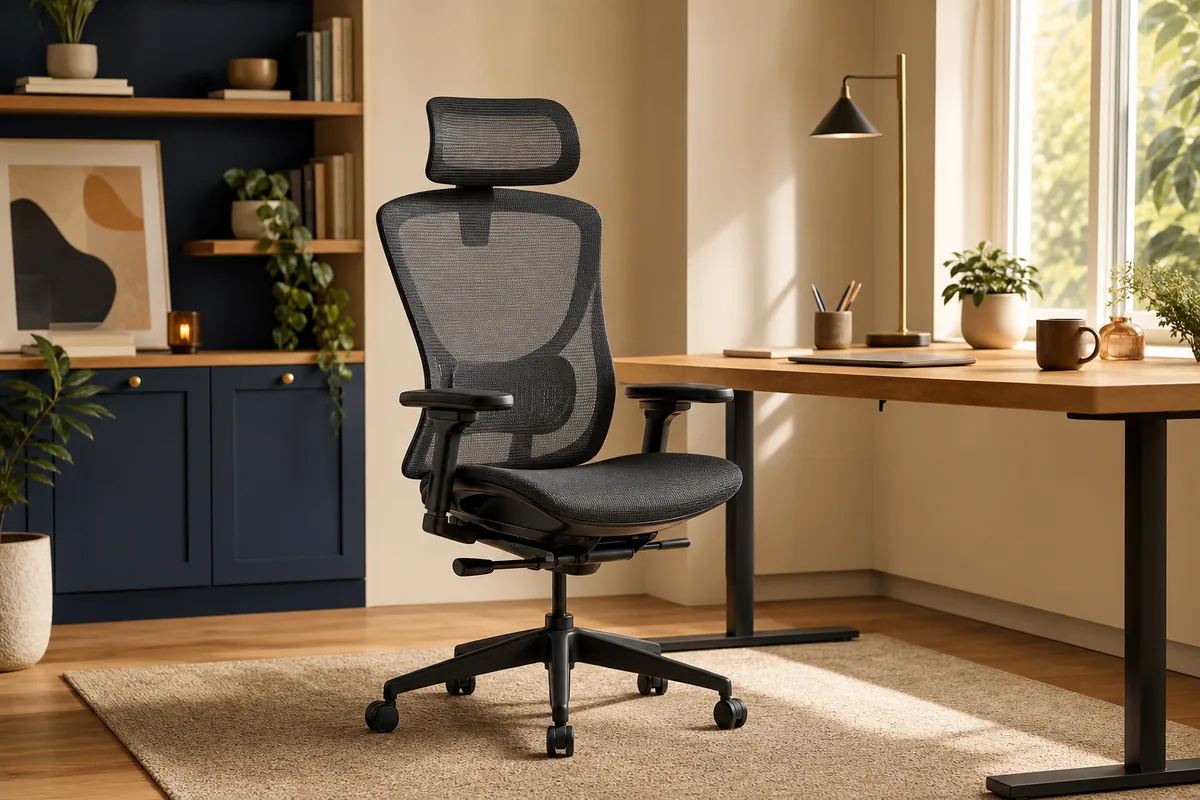
Hbada P5 Ergonomic Office Chair

A lower-cost chair with headrest and lumbar adjustments. Check that its range suits your desk and how long you work at it.

Styled ergonomic office chairs selection
Editorial catalogue score, not personalised Fit: 80
Hbada P5 Ergonomic Office Chair

Hbada / budget

Specifications checked · not tested by us

Check the model, price and delivery details at the shop.

budgetsmall spacecomfort

Key features

  • • Adjustable headrest
  • • Lumbar support
  • • Mesh back

Trade-off: Its adjustment range and finish may be simpler than those of pricier options

View on Amazon

Paid link. As an Amazon Associate I earn from qualifying purchases. Details
Compare products

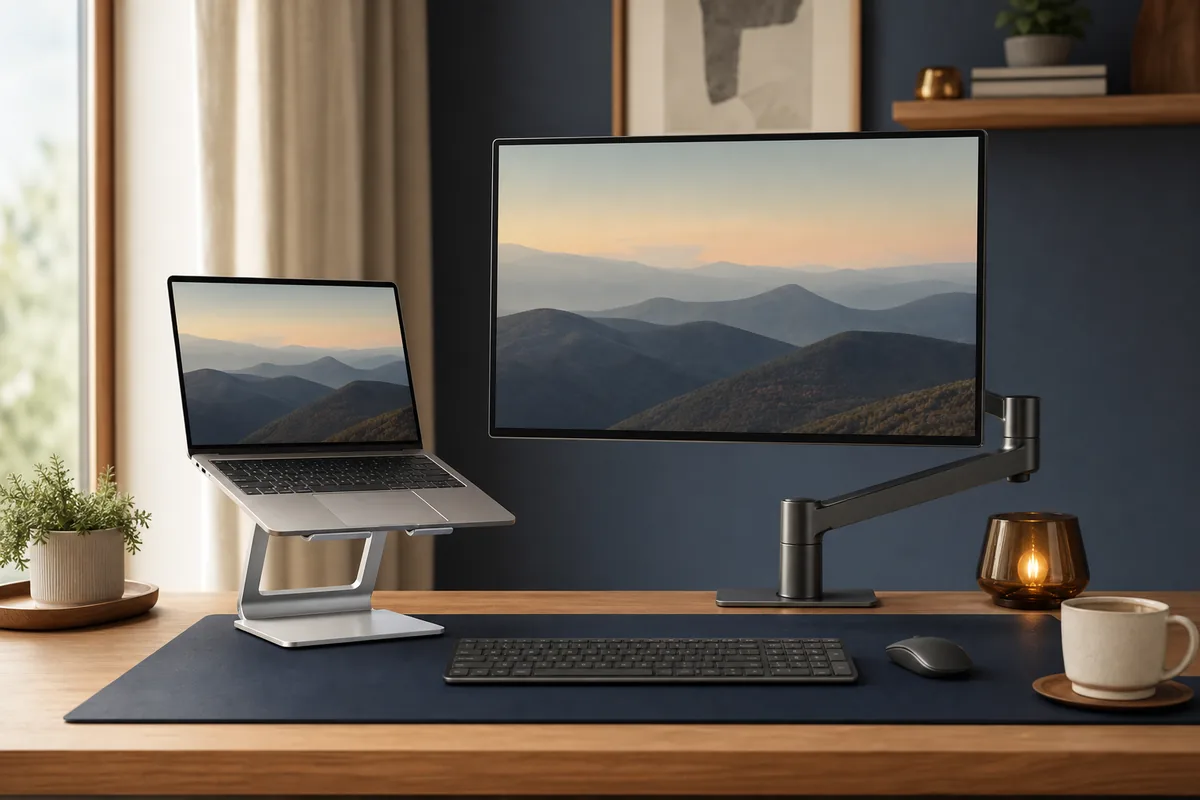
Nulaxy Aluminium Laptop Stand

Raise your laptop if the screen sits too low. You’ll need a separate keyboard and mouse when you use the stand.

Styled laptop and monitor support selection
Editorial catalogue score, not personalised Fit: 79
Nulaxy Aluminium Laptop Stand

Nulaxy / budget

Specifications checked · not tested by us

Check the model, price and delivery details at the shop.

budgetlaptopergonomic

Key features

  • • Raises screen height
  • • Open design supports airflow
  • • Detachable aluminium construction

Trade-off: Its adjustment range and finish may be simpler than those of pricier options

View on Amazon

Paid link. As an Amazon Associate I earn from qualifying purchases. Details
Compare products

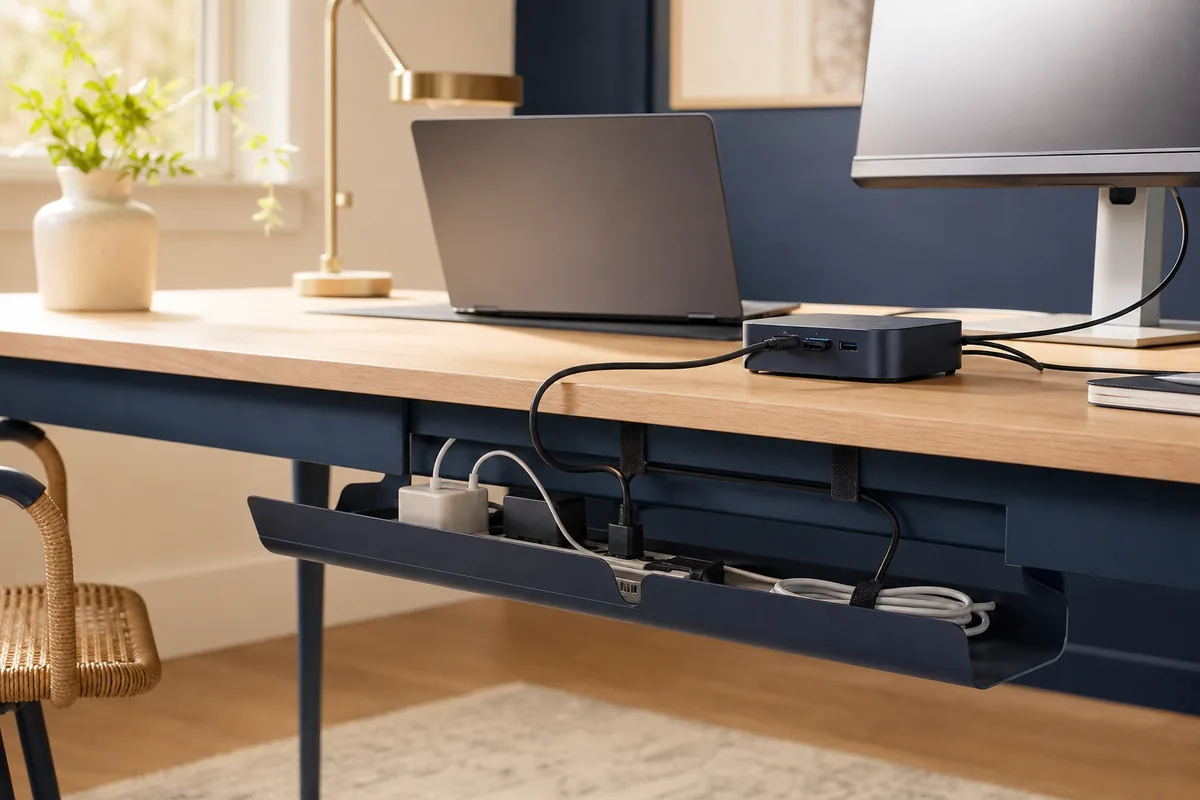
Anker 332 USB-C Hub

Add a few useful connections to your laptop without buying a full dock. Check the ports against the devices you actually plug in.

Styled cable and power management selection
Editorial catalogue score, not personalised Fit: 80
Anker 332 USB-C Hub

Anker / budget

Specifications checked · not tested by us

Check the model, price and delivery details at the shop.

budgetlaptopusb c

Key features

  • • USB-C connection
  • • Multiple common ports
  • • Compact portable format

Trade-off: Its adjustment range and finish may be simpler than those of pricier options

View on Amazon

Paid link. As an Amazon Associate I earn from qualifying purchases. Details

Compare products

Start with the desk, chair and screen

Keep the desk or chair if it already works for you. Put most of the budget towards a steady surface, a chair that fits and a sensible screen position. Changing one thing at a time helps you see what improves the setup.

Check what you get for the price

Look at load limits, adjustment ranges, assembly, spare parts and return costs. A lower-cost model can be fine for lighter use. Check the retailer for the current price.

Upgrade when something gets in the way

Use the setup for a few weeks and note what keeps getting in the way. If the desk is too dark or you keep running out of ports, you’ll know which upgrade to try first.

Check before buying

  • Reuse suitable furniture where possible.
  • Check chair adjustment range and return terms.
  • Confirm desk load and assembly requirements.
  • Buy connectivity for ports you actually use.
  • Keep part of the budget for delivery or returns.

Make it yours

Turn this shortlist into an editable plan

Open these picks in the setup builder to change your budget, take out anything you already own and share your plan.

Open setup plan

Keep exploring

Related guides

Common questions

Before using the shortlist

How much should I spend on a budget home office?

There is no reliable universal total. Reuse suitable equipment, price the desk and chair that fit your measurements, and keep an allowance for delivery and returns before adding accessories.

Which home-office upgrade gives the best value?

The answer depends on the current weakness. Screen positioning, task lighting and a separate keyboard can be inexpensive improvements, but only after the desk and chair fit properly.

More use cases